
Retail Shop POS Software
BangiPOS equips everyday retail shops to move away from handwritten receipt pads into structured barcode sales, real-time inventory balances, and cashier shift cash reconciliation. Run locally offline on ordinary shop PCs with either a $1,200 one-time lifetime licence or $20/month entry subscription.
Windows Offline Desktop · $20/mo or $1,200 Lifetime Software · Hardware Quoted Separately
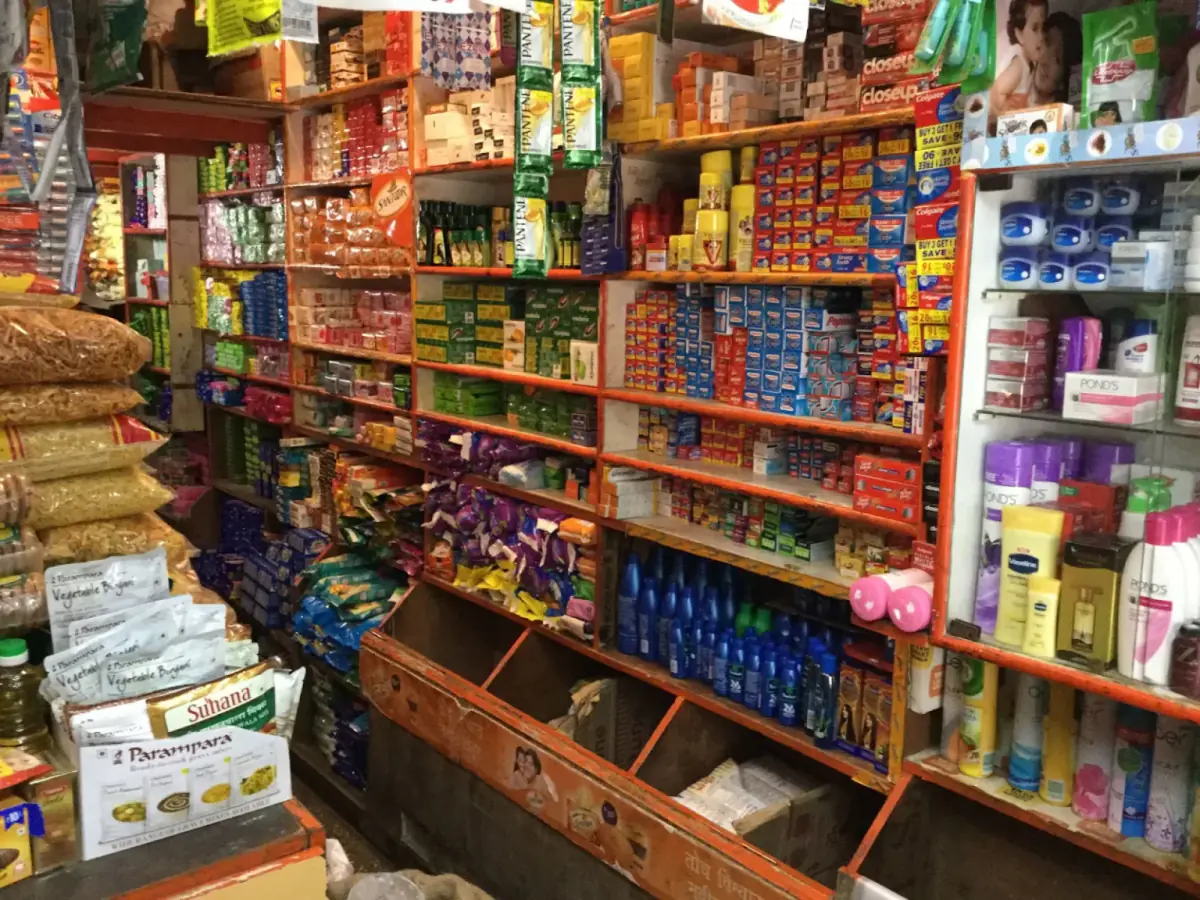
Why spreadsheets and basic calculators lose stock & margin
- 01Manual handwritten cashbooks hide true net profit versus daily cash flow.
- 02Absent owners struggle to verify what cashiers sold or discounted mid-week.
- 03Cloud subscription POS tools pause checkout whenever local fibre or mobile routers cut out.
How retail shop pos software run on BangiPOS
- 01
Fast Counter Billing
Scan barcodes or type quick codes to generate printed customer receipts.
- 02
Separate Cash & Mobile Money
Track cash drawer money cleanly against mobile money receipts at close.
- 03
Stock Receiving & Count Checks
Post incoming deliveries and compare against physical shelf counts weekly.
- 04
Offline Data Security
Keep store sales private and encrypted directly on your PC SSD.
Recommended counter setup and deployment notes
Recommended Hardware Checklist
- Standard Core i3/i5 Windows PC or laptop
- 58mm or 80mm thermal receipt printer
- Plug-and-play USB barcode scanner + RJ11 drawer + UPS backup
Operational Scope & Considerations
- —Single-store offline database backups require owner USB/external copy discipline daily
Retail Shop POS Software FAQs
Direct operational answers verified against current BangiPOS capabilities.
Is BangiPOS complicated for cashiers with basic computer familiarity?+
No. The checkout screen focuses strictly on scanning items, collecting tender, and printing a receipt cleanly.
Can I reuse an existing Windows 10 desktop or laptop already on my desk?+
Yes—check /system-requirements/ to confirm RAM, SSD, and USB ports before downloading.
Does software include computers or scanners?+
No—$1,200 lifetime and $20/mo cover software licences; hardware is quoted separately only if needed.
How fast can we launch from paper notebooks?+
Clean SKU spreadsheets import smoothly in a structured setup session.
Written by Bangi Integrated Technologies Editorial Team · Reviewed by BangiPOS Systems Engineering Desk · Updated November 2026.
Test retail shop pos software workflows live before buying
Send us your sample catalogue or ask for a live demonstration with our Kampala product specialist.