
Commercial Windows computers built for daily POS uptime.
BangiPOS installs cleanly on Windows 10 or Windows 11 desktop PCs, commercial All-in-One terminals, and owner laptops with SSD storage and 4GB–8GB+ RAM. Bring your own clean Windows machine or order pre-tested Lenovo stations cleanly separated from software licence costs.
Windows 10/11 64-bit · SSD Recommended · Bring Your Own PC or Order Pre-Tested
All-in-One Counter Computers
Minimal counter footprint with 21.5"–24" FHD displays and tidy power/USB cabling.
Counter Tower & Mini Desktops
Serviceable Windows towers and mini PCs paired with custom monitors and extra USB ports.
Owner & Stocktake Laptops
Built-in battery backup during power dips for mobile stocktakes and back-office managers.
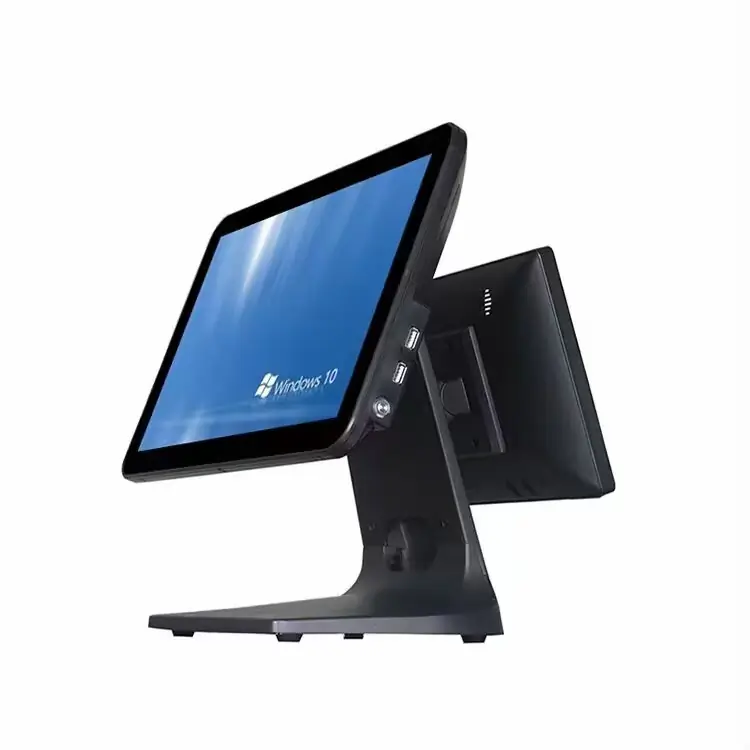
Dual-Screen Touchscreen POS Terminal
Dual counter touchscreen display running Windows 10/11 Pro with side USB ports and heavy aluminum stand.
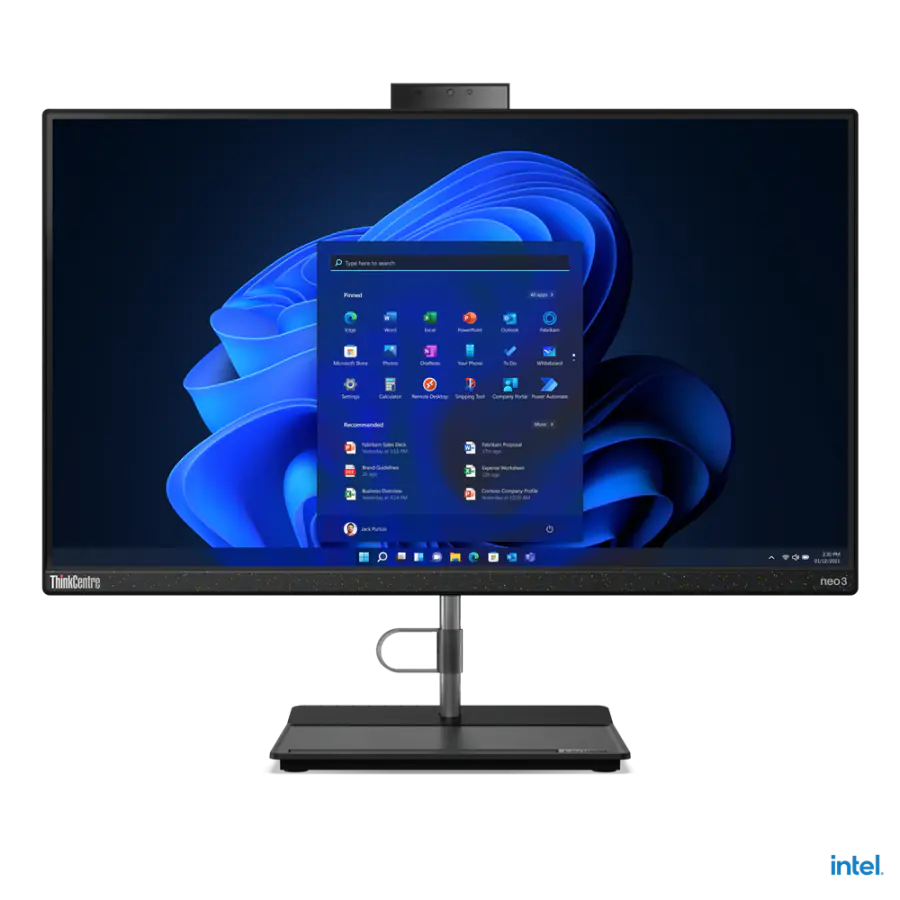
Lenovo Neo 30a 24" All-in-One POS
Intel Core i3 12th Gen, 23.8" FHD Anti-glare Display, 4GB RAM, 256GB NVMe SSD.
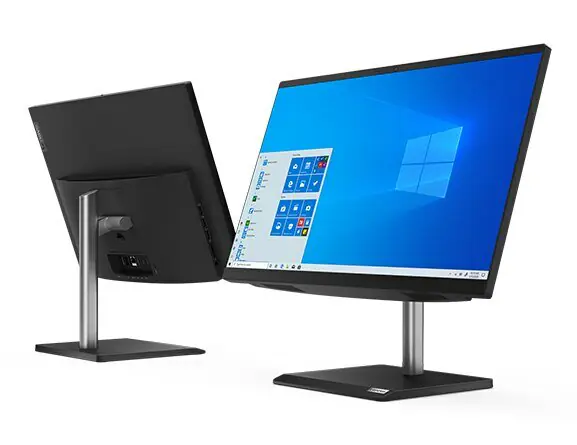
Lenovo V30a 21.5" All-in-One POS
Intel Core i3, 21.5" Full HD Display, 4GB RAM, 1TB Storage, Ultra-compact footprint.
Choosing the right computer format for your shop
| Computer Type | Best Counter Fit | Recommended Minimum Spec |
|---|---|---|
| All-in-One Terminal | Front retail & boutique checkout counters | Core i3, 8GB RAM, 256GB SSD |
| SFF Tower / Mini PC | Hardware stores, wholesale, & back-office | Core i3/i5, 8GB RAM, 4+ USB Ports |
| Windows Laptop | Owner stations, popups, & blackout-prone areas | Core i3+, 8GB RAM, Healthy Battery |
Frequently asked questions
Direct operational answers verified against current BangiPOS capabilities.
Do I have to buy a computer from BangiPOS to use the software?+
No. You may use any clean Windows 10 or Windows 11 64-bit desktop or laptop meeting minimum RAM and SSD specifications. We also source pre-tested Lenovo workstations when convenient.
What specs should I aim for at a busy supermarket counter?+
Aim for Windows 10/11 Pro (64-bit), Intel Core i3 or Ryzen 3 (or newer), 8GB RAM, a 256GB SSD, at least 4 USB ports, and an external 650VA+ UPS battery backup.
Pair a workstation with $20/mo or $1,200 software
Check minimum Windows requirements or configure an itemized workstation + peripheral quote.