
All-in-One POS Terminals
BangiPOS runs natively on Windows 10 or Windows 11 desktop terminals with SSD storage and 4GB+ RAM (8GB recommended). Dedicated all-in-one counter computers keep wires minimal and sustain long retail shifts offline. Software pricing ($20/mo or $1,200 Lifetime) is quoted separately from terminal hardware.
Tested with BangiPOS Windows Desktop · Software priced separately ($20/mo or $1,200)
Available verified all-in-one pos terminals
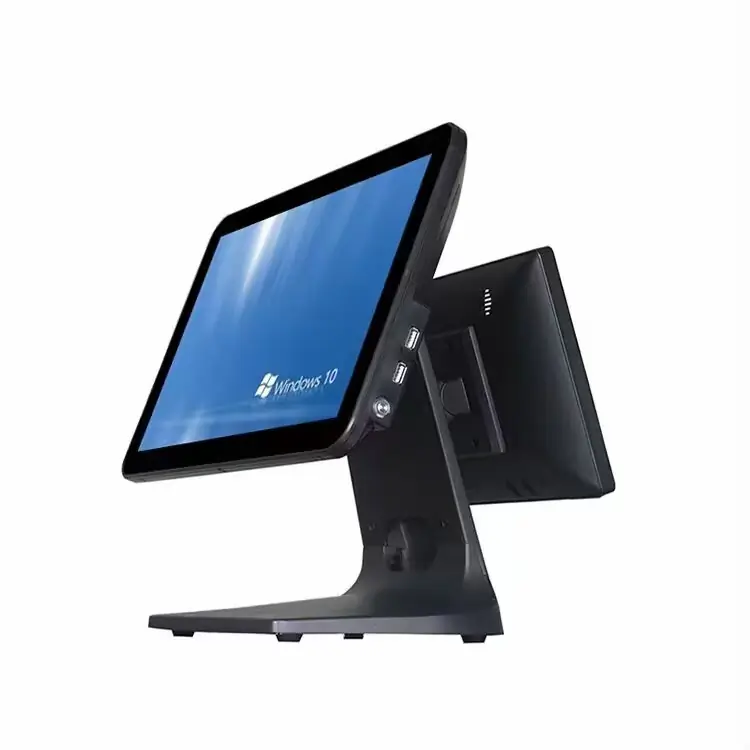
Dual-Screen Touchscreen POS Terminal
Dual counter touchscreen display running Windows 10/11 Pro with side USB ports and heavy aluminum stand.
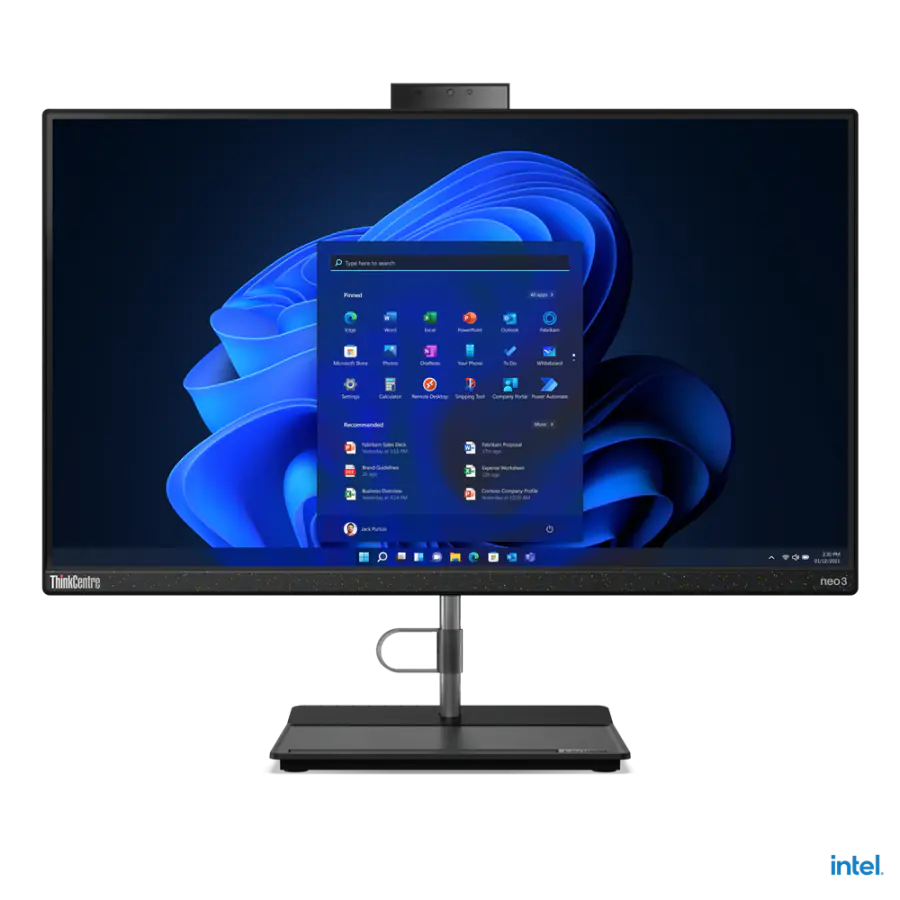
Lenovo Neo 30a 24" All-in-One POS
Intel Core i3 12th Gen, 23.8" FHD Anti-glare Display, 4GB RAM, 256GB NVMe SSD.
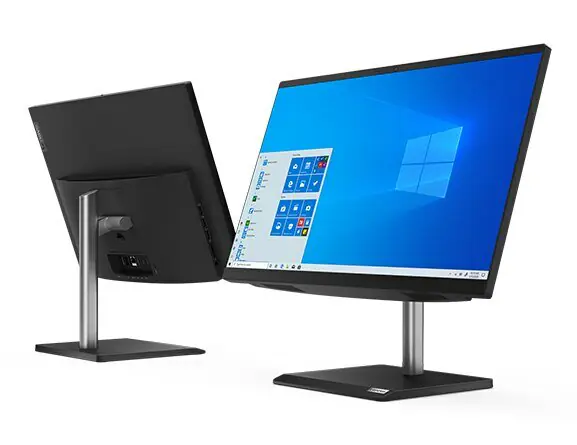
Lenovo V30a 21.5" All-in-One POS
Intel Core i3, 21.5" Full HD Display, 4GB RAM, 1TB Storage, Ultra-compact footprint.
Commercial buying specifications
| Specification | Recommended Standard | Why It Matters at Counter |
|---|---|---|
| Processor | Intel Core i3 or equivalent 64-bit CPU | Avoid low-end ARM tablets; BangiPOS is a Windows desktop application. |
| Memory & Storage | 8GB RAM + 256GB NVMe/SATA SSD | 4GB works for small counters; SSD keeps startup and report queries fast. |
| Connectivity | 4x USB ports + RJ-45 Ethernet + HDMI | Supports printer, barcode scanner, keyboard/mouse, and precision scale at once. |
| Operating System | Windows 10 (64-bit) or Windows 11 Pro | Works offline locally on the terminal with scheduled backup folders. |
Setup checklist & costly mistakes to avoid
Counter Checklist
- Verify minimum 4 accessible USB-A ports (or supply a powered industrial USB hub).
- Place a 650VA–1000VA UPS under the counter for sudden grid dropouts.
- Enable automatic local database backup to a secondary drive or cloud folder.
Buyer Mistakes to Avoid
- —Do not buy Android-only tabletop kiosks for BangiPOS Desktop workstation counters.
- —Avoid spinning 5400rpm mechanical-only drives on primary checkout counters when an SSD is available.
- —Never assume software lifetime licensing ($1,200) is bundled free inside commodity PC quotes.
Frequently asked questions
Direct operational answers verified against current BangiPOS capabilities.
Can I install BangiPOS on a Windows PC I already own?+
Yes. Any clean Windows 10/11 desktop or laptop meeting 4GB+ RAM (8GB recommended) and SSD storage requirements runs BangiPOS.
Do all-in-one terminals come with touchscreens?+
Standard Lenovo business all-in-one models use crisp non-touch FHD panels with fast keyboard/scanner navigation; capacitive touch panels can be sourced on custom quote.
Are POS terminals covered by a warranty?+
Sourced terminals carry supplier manufacturer/distributor warranty terms specified per formal quotation and delivery note.
Written by Bangi Integrated Technologies Editorial Team · Reviewed by BangiPOS Systems Engineering Desk · Updated November 2026.
Need help pairing all-in-one pos terminals with your counter?
Call or message our Kampala engineering team on WhatsApp with your shop dimensions and computer specs.