
Product and Catalogue Management
Product and catalogue management lets stores structure SKUs, assign categories and brands, map supplier barcodes or internal SKU codes, store buying costs alongside retail prices, and manage fast-moving retail variants cleanly from one central back-office directory.
Status: Confirmed in current release · Available on $1,200 Lifetime & $20/mo Plans
In-application interface preview
Uncropped desktop screen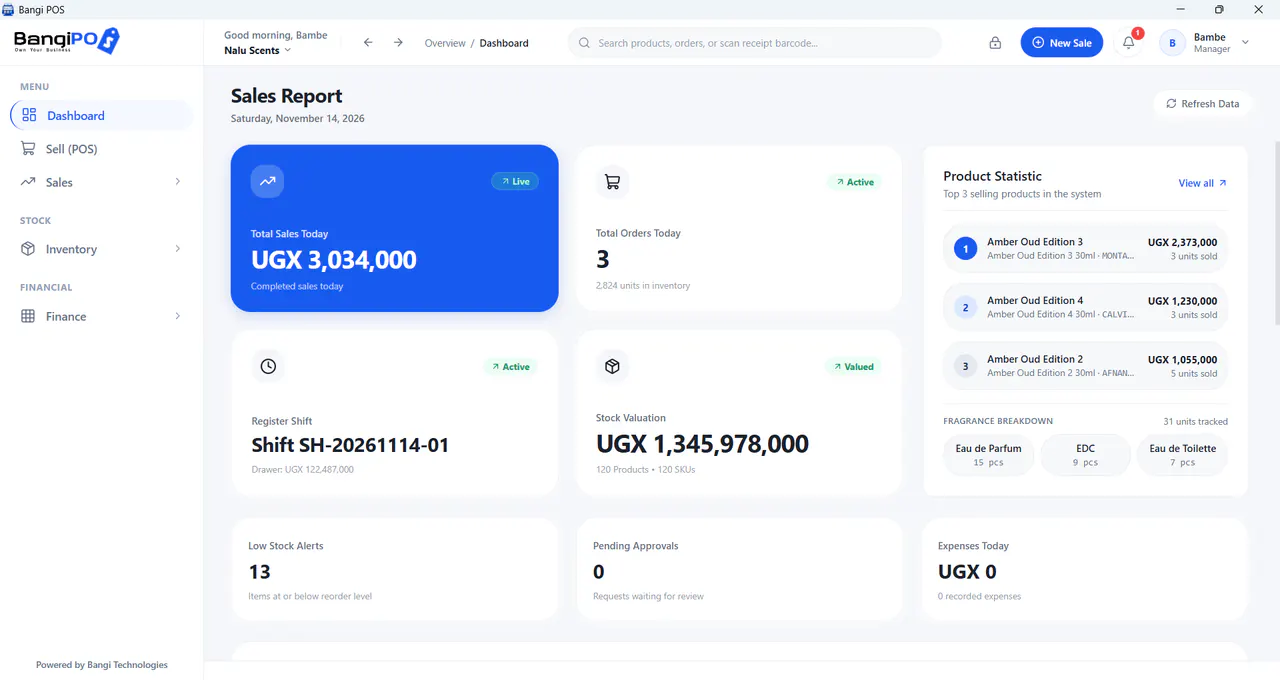
How Product and Catalogue Management works day to day
- 01
Create Categories & Units
Group merchandise logically (cosmetics, groceries, electronics, hardware, beverages).
- 02
Define SKU & Barcode
Attach manufacturer EAN/UPC codes or generate internal lookup SKUs.
- 03
Set Cost & Retail Margin
Record buying price and customer shelf price for clear profit reporting.
- 04
Update or Archive Items
Retire discontinued lines safely without wiping historical sales receipts.
Capabilities & transparent limits
Included in Current Release
- Clean product creation, price updates, and category filtering
- Unique barcode mapping to prevent scanning wrong variants
- Product archival to protect historical reporting integrity
- Cost vs retail price validation before publishing to till
Operational Boundaries & Deployment Scope
- —2D apparel matrix grids (e.g. 5 sizes × 8 colors auto-generated at scale) should be previewed during demo for boutiques
- —Public webshop e-commerce synchronisation is excluded in standard offline desktop mode
Product and Catalogue Management questions
Direct operational answers verified against current BangiPOS capabilities.
What happens if a manufacturer product has no printed barcode?+
You can assign an internal SKU code, search by product name, or print adhesive shelf/item barcode labels where supported.
Does changing an item price alter past closed receipts?+
No. Historical transactions retain the unit price charged at the exact date of sale.
Can items share duplicate barcodes?+
Duplicate barcodes should be avoided because scanners rely on unique identifiers; clean up duplicates prior to CSV import.
Can we bulk-edit products via spreadsheet?+
You can import structured CSV product catalogues cleanly via /features/data-import/.
Written by Bangi Integrated Technologies Editorial Team · Reviewed by BangiPOS Systems Engineering Desk · Updated November 2026.
Ready to evaluate BangiPOS on your store catalogue?
Schedule a live walkthrough, compare the $1,200 lifetime licence against the $20/month plan, or confirm hardware compatibility.