
POS Data Backup and Recovery
Because BangiPOS stores your shop data locally so you never stop working offline, regular encrypted backups protect your records. Back up your AES-256 SQLCipher store database directly onto external USB drives or secondary storage with scheduled prompts.
Status: Confirmed in current release · Available on $1,200 Lifetime & $20/mo Plans
In-application interface preview
Uncropped desktop screen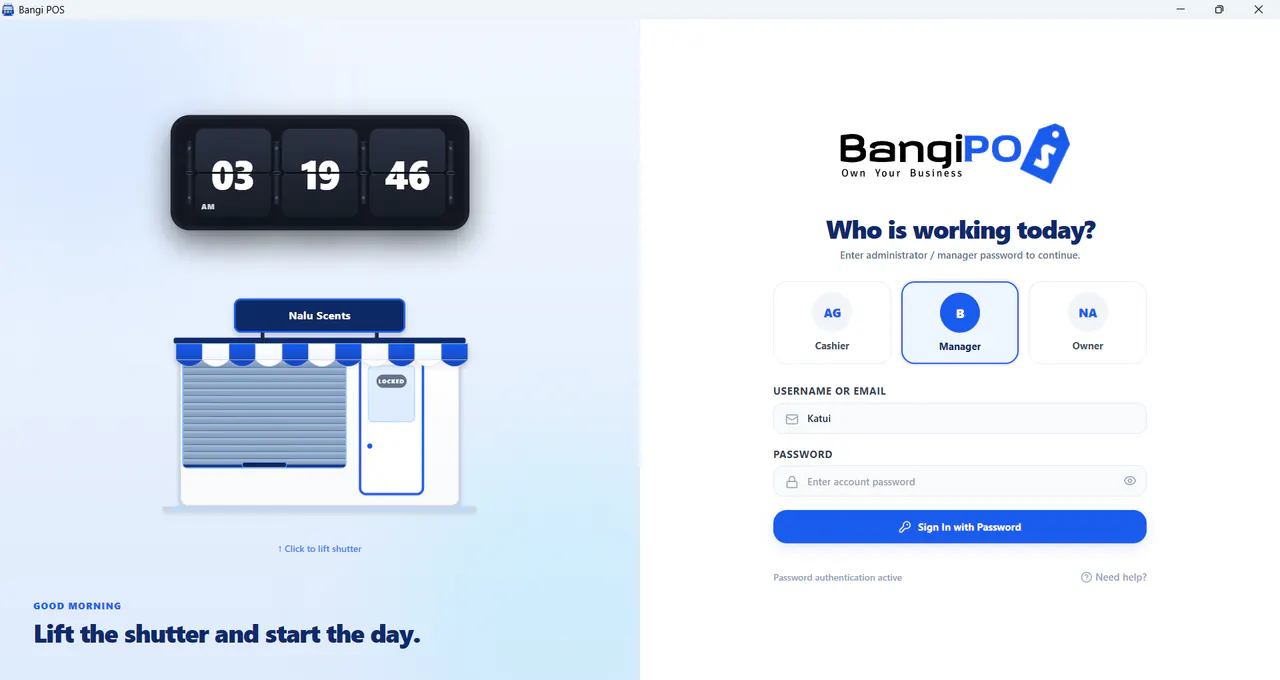
How POS Data Backup and Recovery works day to day
- 01
Enable Regular Snapshots
Schedule or run daily shift-end database backups inside System Settings.
- 02
Store Off-PC Copy Safely
Copy encrypted backup archives onto a shop owner USB drive or secondary storage.
- 03
Guard Recovery Passphrase
Store database encryption credentials securely outside the counter PC.
- 04
Verify Restore Process
Restore encrypted database snapshots cleanly onto replacement workstations via Settings.
Capabilities & transparent limits
Included in Current Release
- AES-256 SQLCipher local database encryption protecting files at rest
- Built-in local backup export & recovery verification inside Settings
- Freedom from sudden vendor cloud lockouts wiping your ledger history
Operational Boundaries & Deployment Scope
- —Backups stored ONLY on the counter C: drive remain vulnerable to hardware failure—owners maintain off-PC USB copies
- —Replacement-machine re-activation transfers are handled cleanly through Customer Portal support
POS Data Backup and Recovery questions
Direct operational answers verified against current BangiPOS capabilities.
What happens if the shop counter computer breaks down unexpectedly?+
Restore your saved off-device database backup onto a replacement Windows PC and transfer your activation cleanly through Customer Portal support.
Are raw backup files readable if someone steals the USB drive?+
Database encryption (AES-256 SQLCipher) protects underlying store tables from plain-text inspection without decryption keys.
Does BangiPOS include local and external backup tools?+
Automated local SQLCipher backups and external USB/folder mirroring are built in cleanly.
How often should small shops back up POS data?+
At minimum at the close of every trading day onto an external medium kept by management.
Written by Bangi Integrated Technologies Editorial Team · Reviewed by BangiPOS Systems Engineering Desk · Updated November 2026.
Ready to evaluate BangiPOS on your store catalogue?
Schedule a live walkthrough, compare the $1,200 lifetime licence against the $20/month plan, or confirm hardware compatibility.